See your home transformed in about a minute
1 free render · no account · no card
See your home
transformed
before you renovate
Upload any photo. AI identifies every changeable element and renders your design vision in about a minute — exterior or interior.
No credit card required · Most renders in about a minute
* Example renders shown for illustration. Your results will be based on your actual uploaded photo.
How it works
From photo to transformation in about a minute
No design experience. No software to install. Just upload, choose your changes, and watch the AI work.
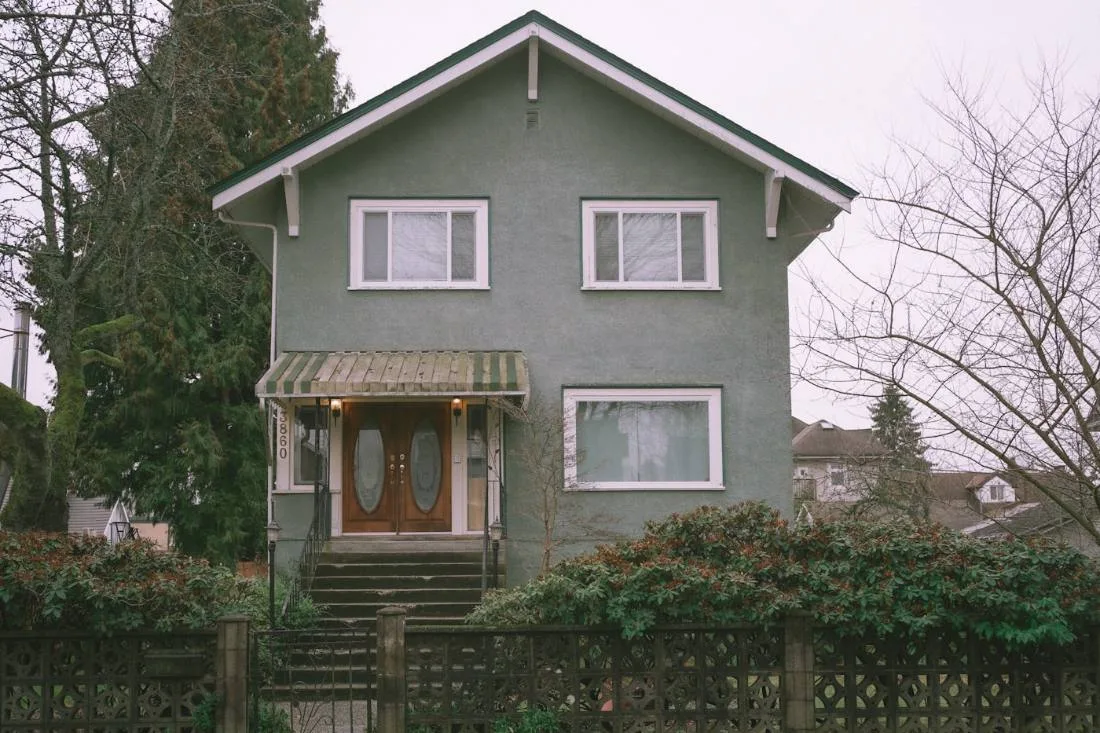
Upload your photo
Any photo works — phone camera, real estate listing, or professional shot. Interior or exterior. The AI adapts to what you give it.
AI detects every element
Claude Vision scans the same photo and marks every big-ticket element you can change — roof, siding, door, windows — so you just click what you want to edit.
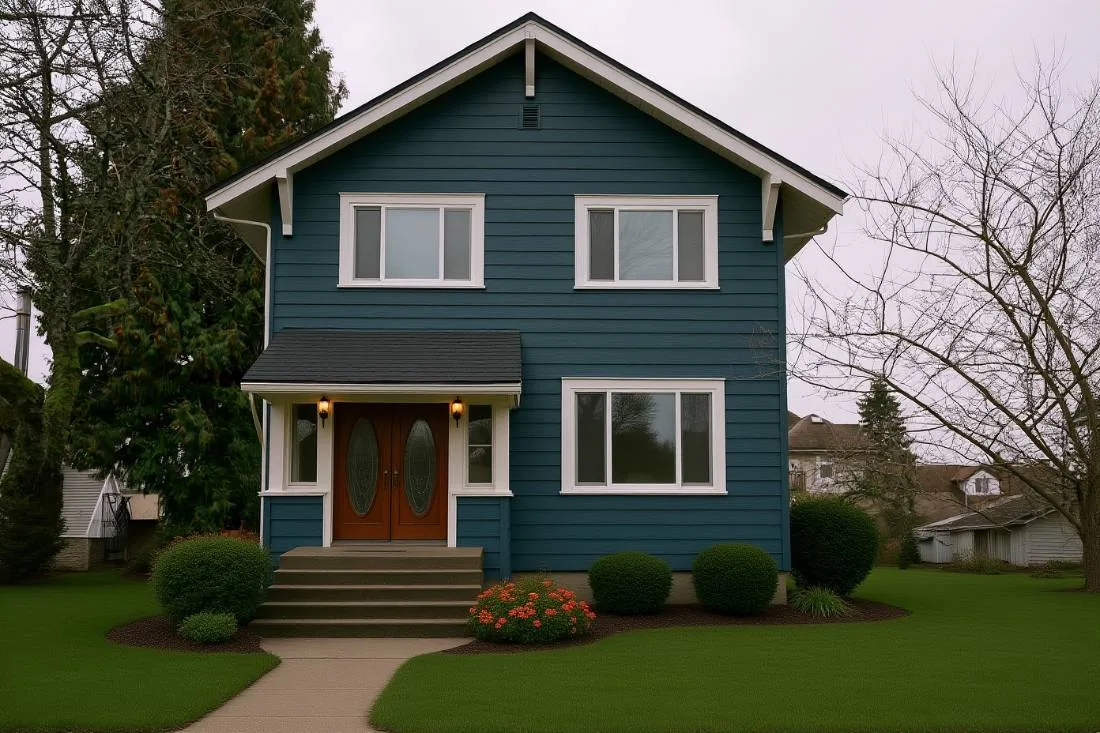
See the transformation
Pick your changes and get a photorealistic render of the very same home — slate-blue siding, crisp white trim, a warm wood door, a new charcoal roof, and lush landscaping — only the elements you chose are changed.
No account needed · No credit card · 1 free render instantly
Why trust it
Built for confidence. Designed for clarity.
Every decision we made is about giving you a result you can trust before you spend a dollar on your home.
Features
Everything you need to decide with confidence
Professional-grade visualization tools, powered by the same AI used by architects and interior designers — now available to anyone.
Gallery
Every room. Every style.
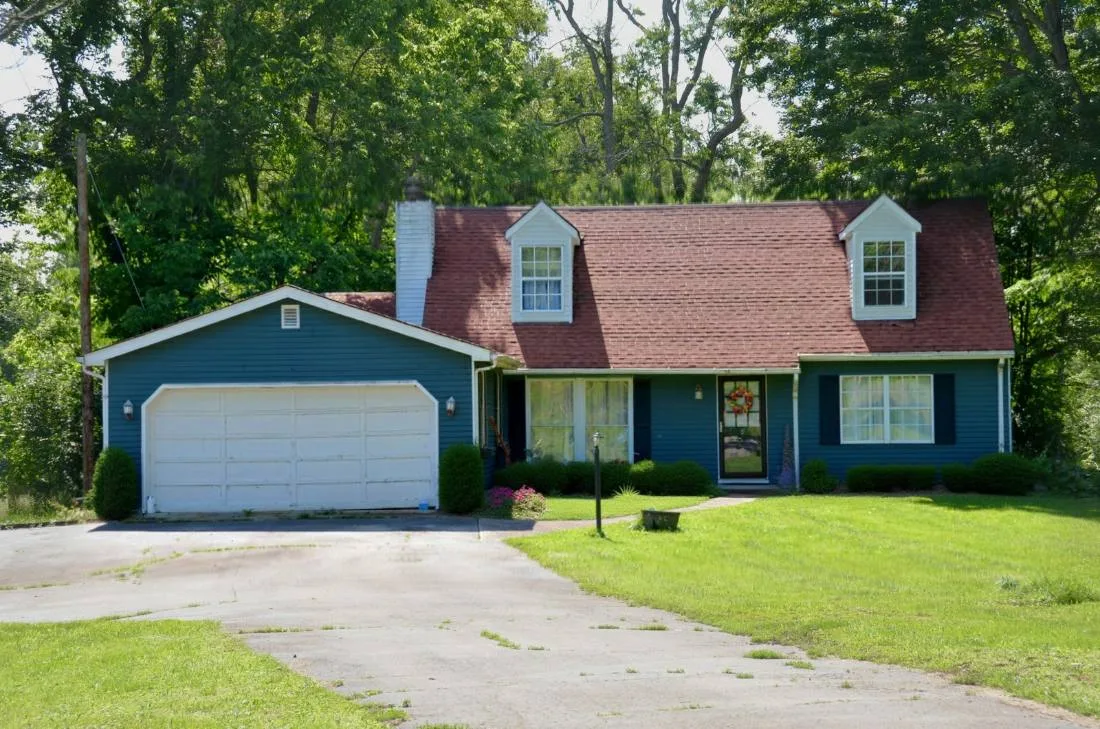
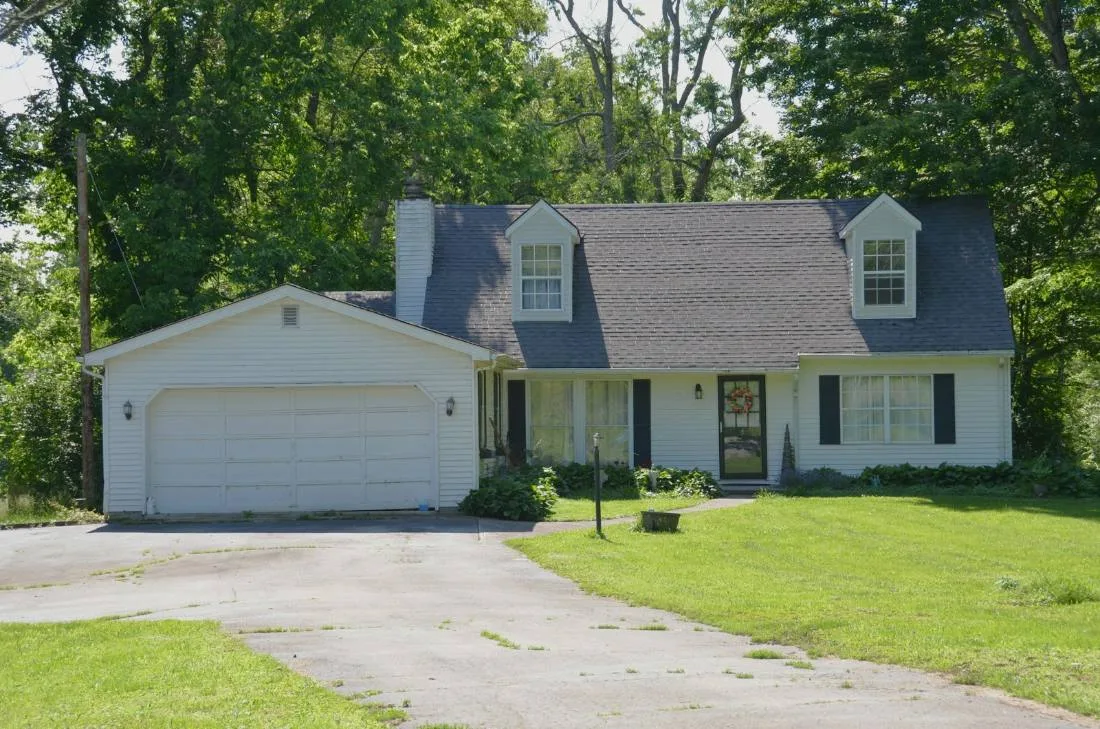
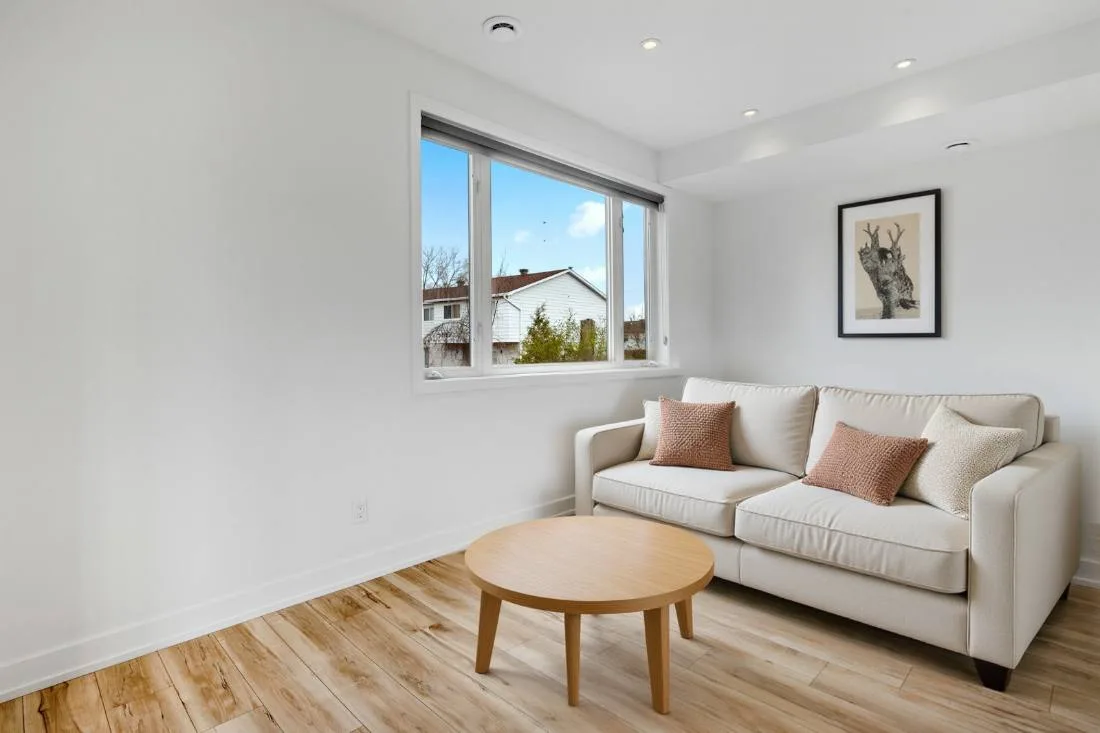
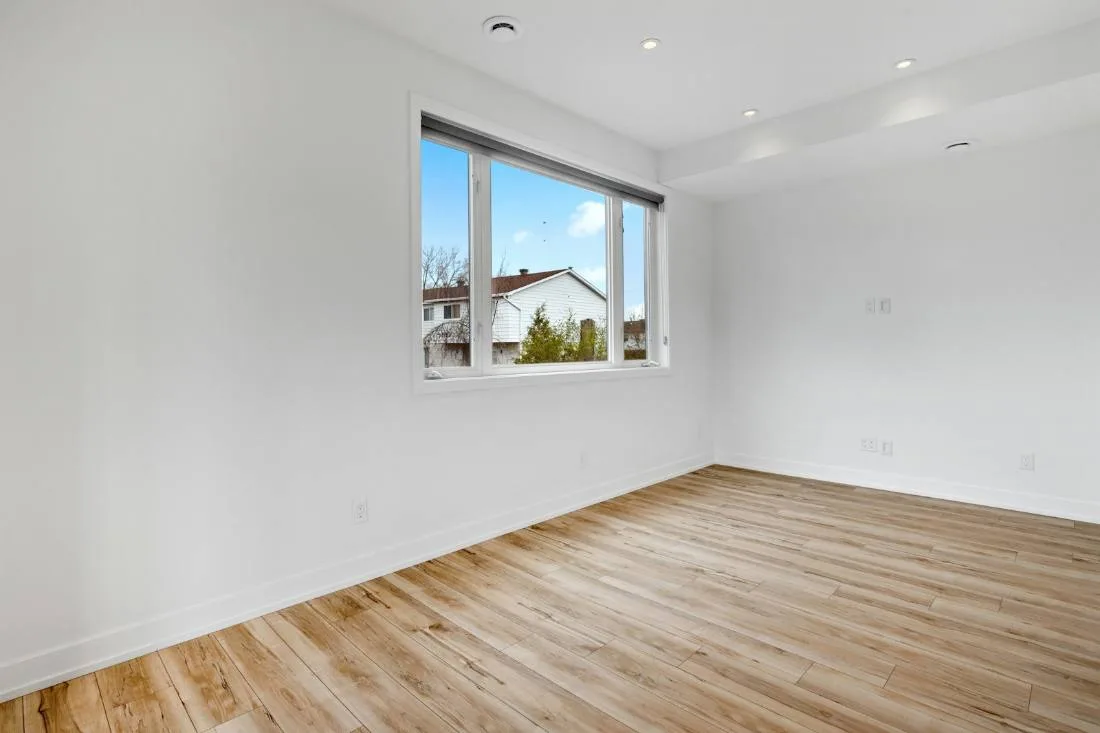
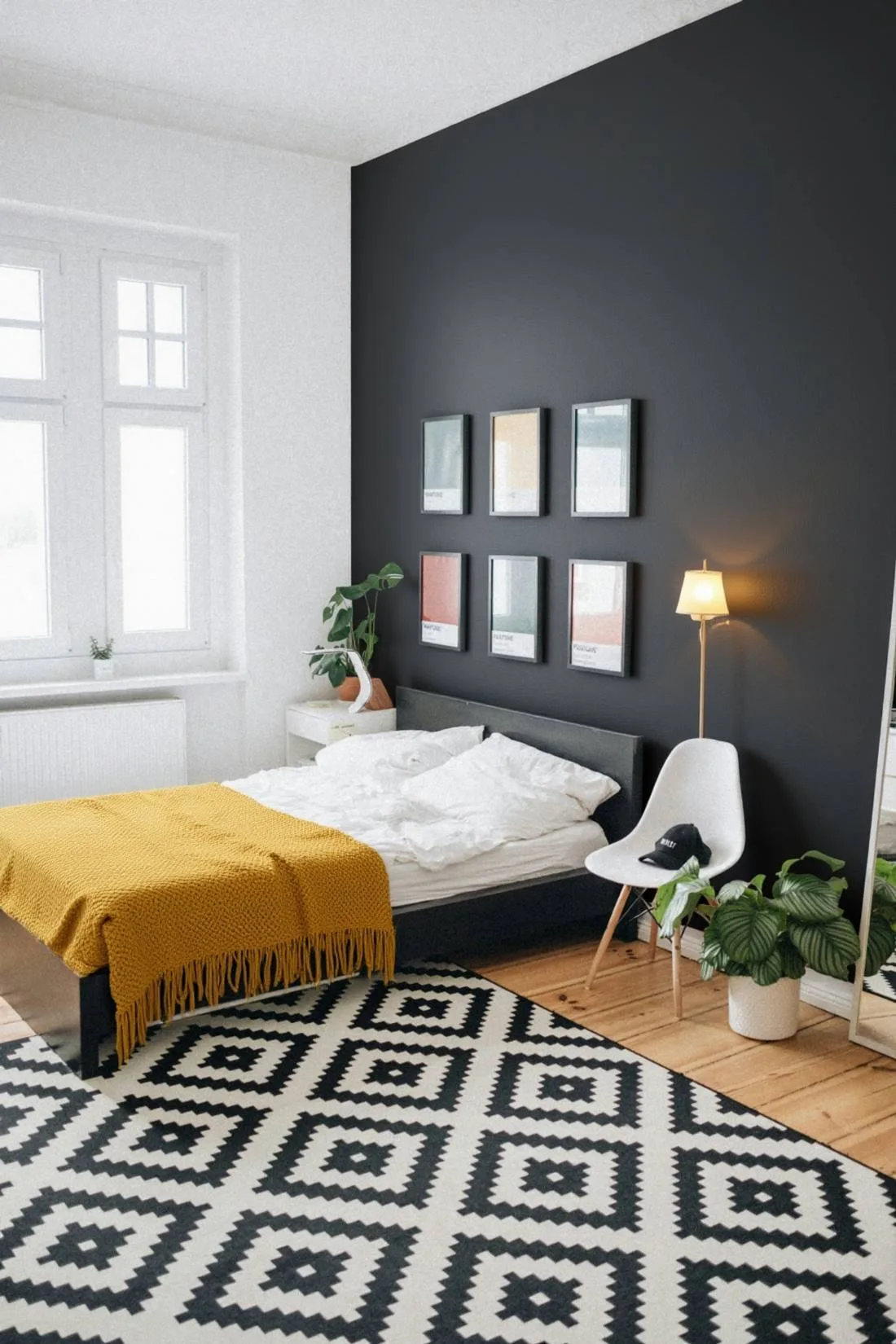
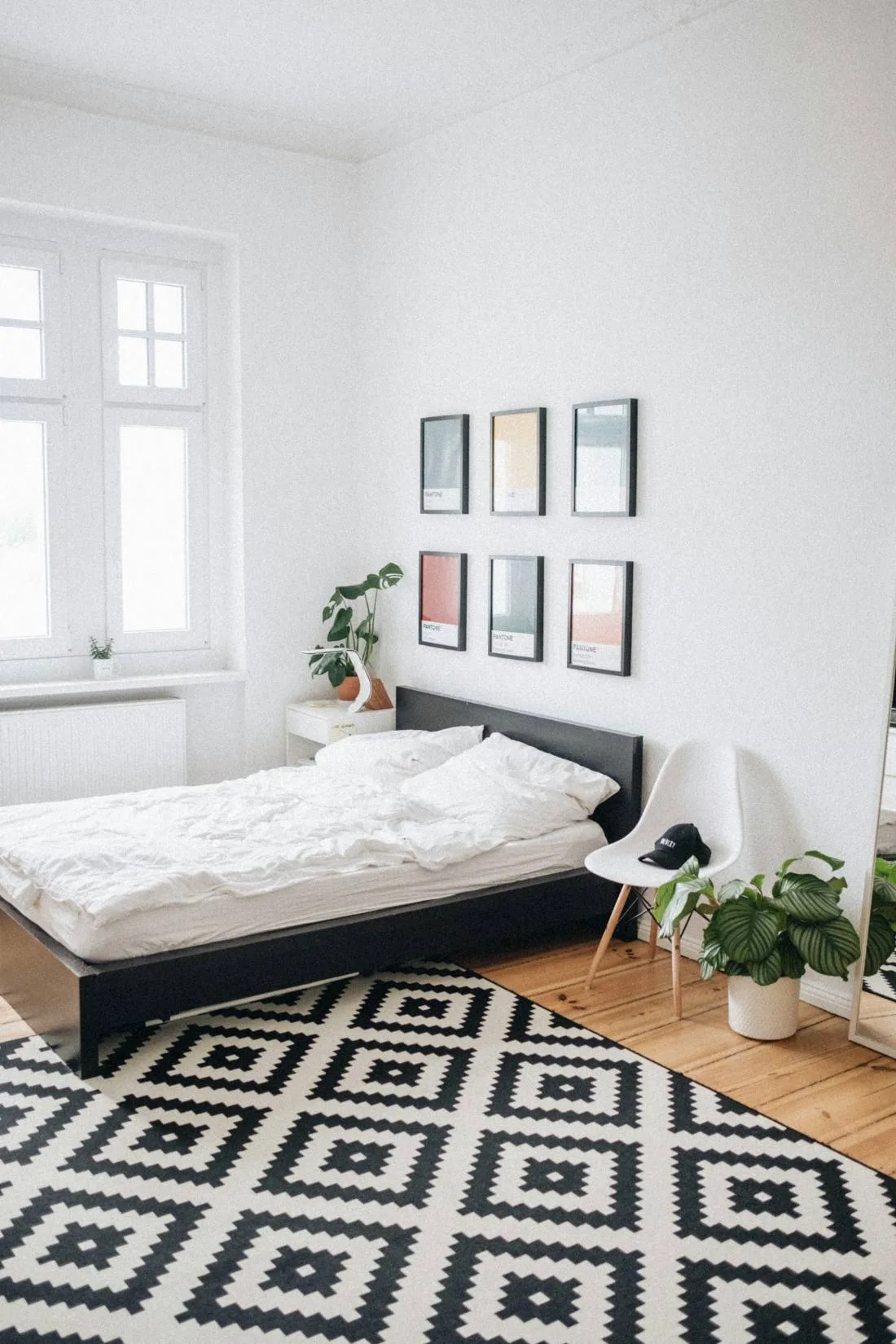
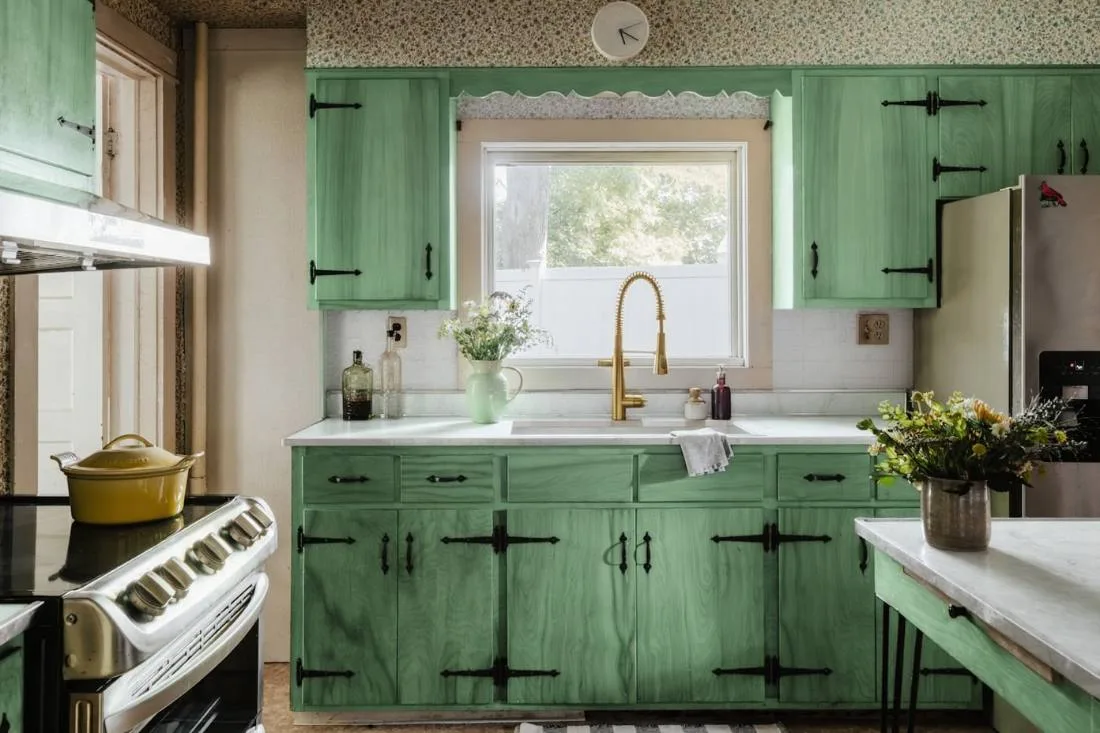
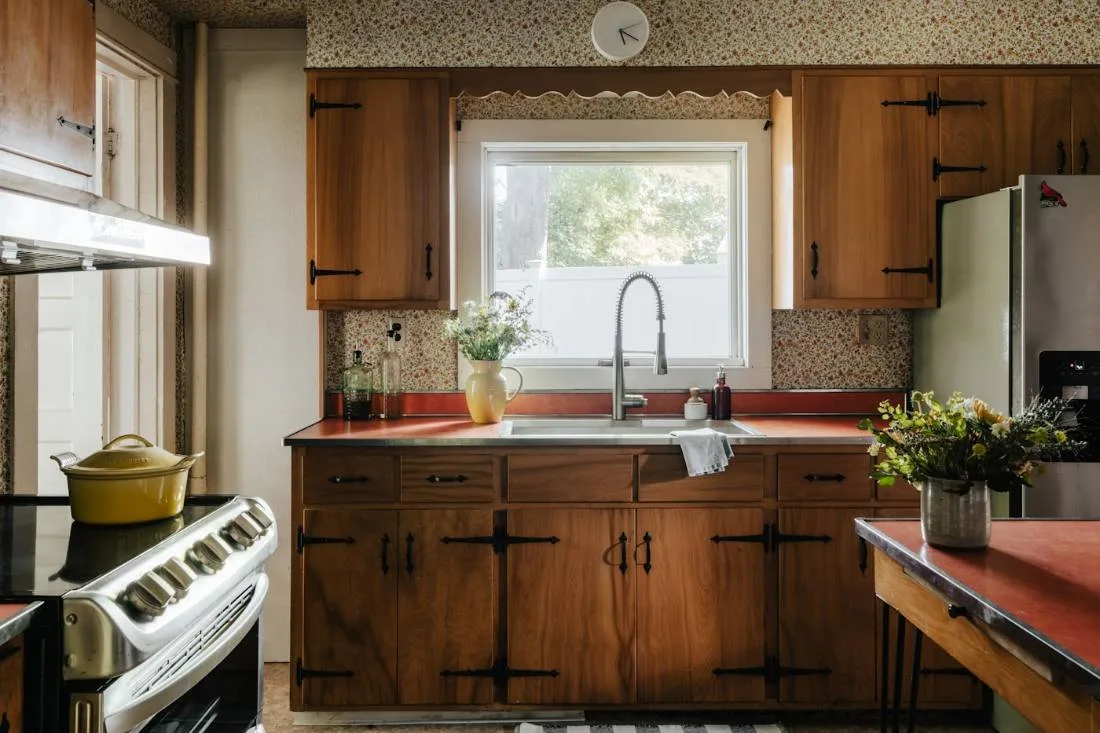
From curb appeal to kitchen cabinets, Preview My Home handles every part of your home. Hover or tap any photo to see the before.
Who it's for
Who uses Preview My Home
Whether you rent, own, sell, or design — Preview My Home gives you clarity before commitment.
Decide before you spend a dollar
Upload a photo of your room or exterior and see the change — a paint color, a front door, new floors — on your actual home, not a lookalike template.
- Your first render is free, no account and no card
- Pick from 15,000+ real paint swatches across 8 professional brands
- Every render saves to your gallery to compare, share, or hand to a contractor
See it in action
Stop imagining. Start seeing.
Paint, flooring, cabinets, siding, roofing — change anything and get a photorealistic result before you spend a dollar. Your first render is free.
- Only what you ask for changes — nothing else moves
- Homeowners preview renovations risk-free
- Designers share options clients can actually see
Tap the photo to switch — the same gesture you’ll use on your own render
Only the cabinet fronts and backsplash changed — appliances, counters, and every object stayed put.
Pricing
Start free. Upgrade when you're ready.
Your first render is completely free — no account or credit card required. Upgrade only when the product earns it.
Pro
$24/mo
120 renders/month
- 120 renders per month
- Everything in Starter
- Enough renders to explore a full room, option by option
- Personal-use license
Ultra
$49/mo
250 renders/month
- 250 renders per month
- Everything in Pro
- Enough renders for a whole-home makeover
- Personal-use license
Every plan includes
- Click-to-edit precision editing
- Refine a render again and again
- Every render auto-saved to your gallery
- All room types + exterior
- 15,000+ paint swatches across 8 brands
- Email support
Cancel anytime, no fees · One-time render packs available · Unused monthly renders don’t roll over.
One-time packs
Not ready for a subscription?
Grab a one-time render pack — no subscription, and those renders never expire.
FAQ
Frequently asked questions
Everything you need to know before uploading your first photo.
Three systems work together on every render. Claude (Anthropic) analyzes your photo and finds the elements you can change. Google's Nano Banana 2 image model performs the actual edit, changing only the elements you name and leaving the rest of the photo alone. And for paint, a deterministic color engine applies the exact hex code of the swatch you picked, so the color isn't left to chance. Results are realistic enough to share with contractors and designers.
Your home is waiting to be transformed.
Upload one photo. Make one change. See what’s possible — before you pick up a paintbrush or call a contractor.
Visualize my home — free →