Staging
How can I see furniture in my room before I buy it?
Upload a photo of the room to an AI virtual staging tool such as Preview My Home. You can swap a single piece (replace the sofa, change the rug, try a different bed frame), pick a style preset like Modern, Cozy, Scandinavian, Farmhouse, Mid-Century or Luxe to have the AI furnish the whole room, or describe what you want in plain words. The walls, windows and floor stay as photographed, so you see the furniture in your real space. Renders take about a minute and the first one is free with no account.
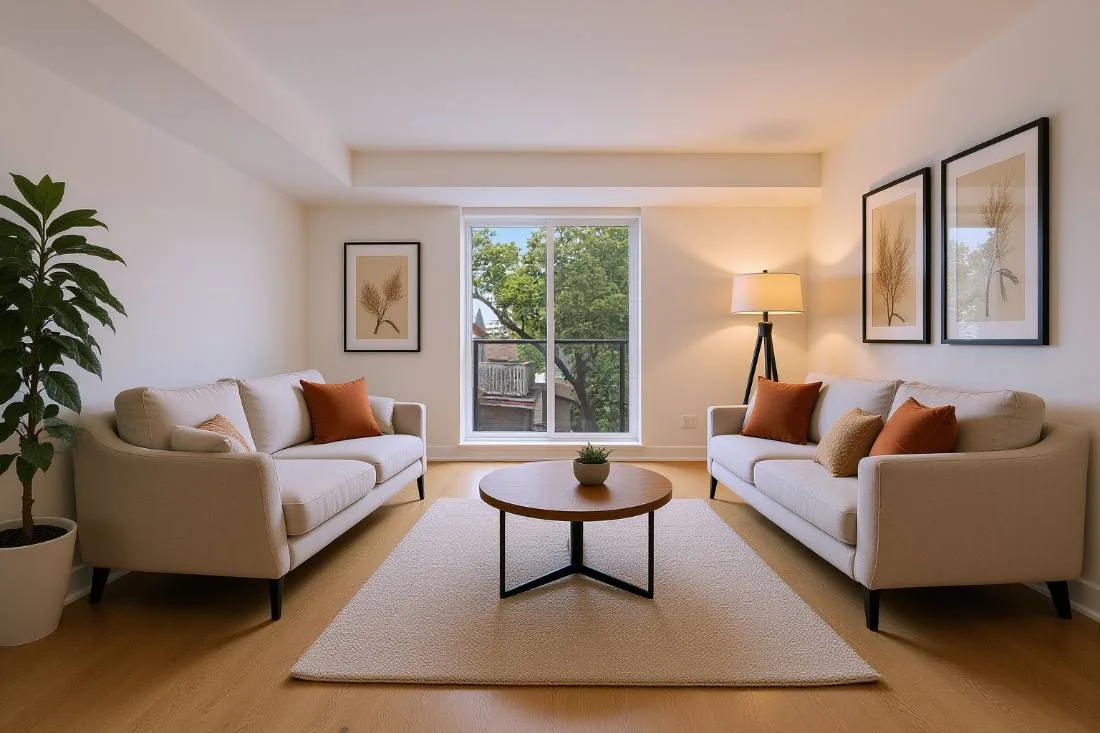
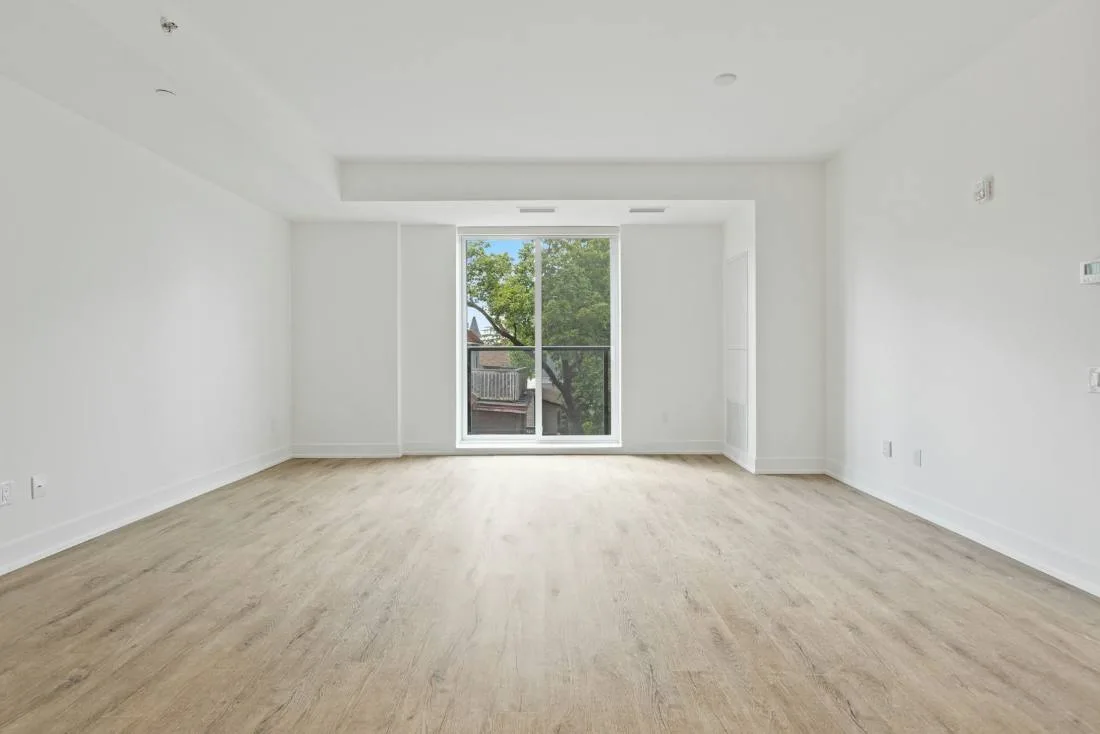
Three ways to use it
- Swap one piece. Shopping for a sofa? Pick the sofa in your photo and tell the AI what to replace it with (“low-profile oatmeal bouclé sofa”). Nothing else in the room moves.
- Stage the whole room. Choose a style preset and the AI furnishes the space in that direction. Useful for empty rooms, for sellers, and for “I know I want a change but not what.”
- Describe it. Type what you mean — “walnut media console, jute rug, two sage armchairs” — and render. Best results come from two or three changes at a time.
Virtual staging for a listing
An empty room photographs cold, and buyers struggle to judge scale. Staging the listing photos with AI costs a fraction of physical staging and takes minutes rather than days. The render is a realistic preview, not a product catalog: the AI generates furniture in the style you ask for rather than placing a specific retailer’s SKU, so label staged images as virtually staged in any listing.
What stays honest
Only the elements you pick change. Room dimensions, windows, doors and built-ins are never altered, which is what makes the result trustworthy for a buyer — or for you, deciding whether a sectional actually fits along that wall.
Frequently asked questions
More answers