Home visualizer
What is an AI home visualizer — and how do you choose a good one?
An AI home visualizer takes a photo of your actual home and renders changes onto it — a new paint color, different siding, furniture in an empty room, a remodeled kitchen — so you can see a decision before spending money on it. Two things separate a useful one from a toy: it should change only what you asked for, instead of regenerating the whole photo into a room that is no longer yours, and it should use real products, like actual brand paint swatches rather than an invented color. Preview My Home is built around both: renders edit only the elements you select, paint is applied by the exact hex value of real swatches from Sherwin-Williams, Behr, Benjamin Moore, PPG, Valspar, Farrow & Ball, Dunn-Edwards and Dutch Boy, and the first render is free with no account.
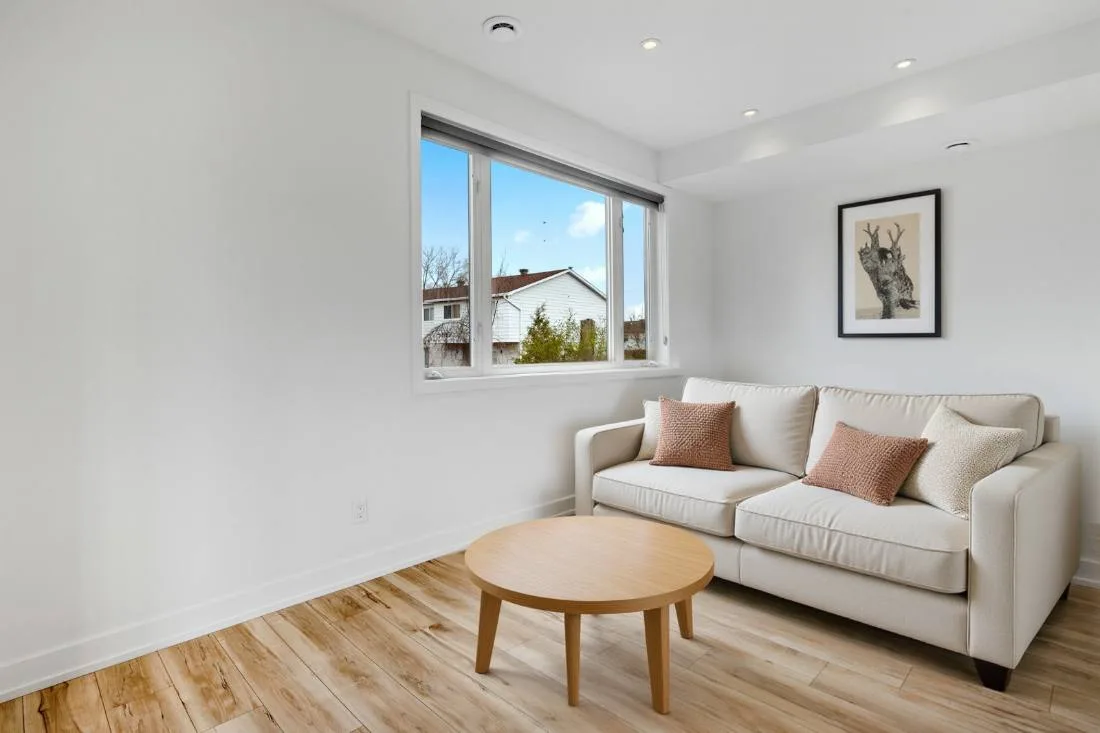
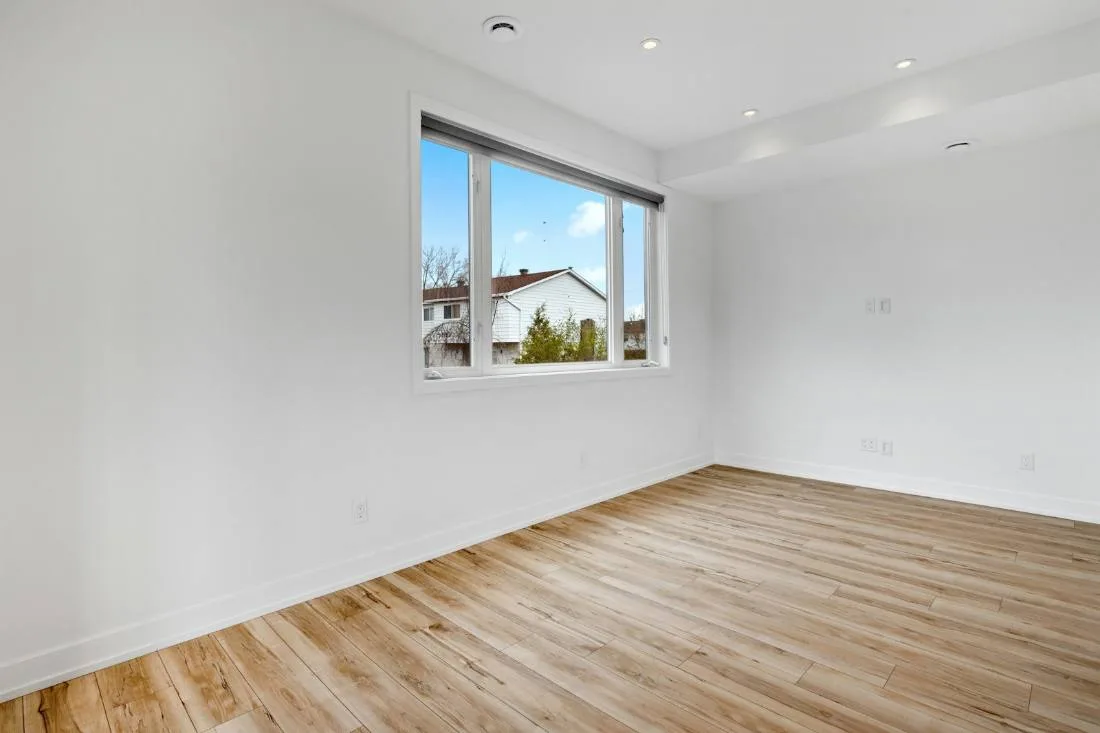
What separates a good visualizer from a toy
Any image generator can produce a beautiful room. The hard part is producing a beautiful version of YOUR room. Tools that regenerate the entire photo tend to hand back a different space — windows move, proportions drift, the floor changes on its own — which makes the result useless for an actual decision about an actual house. A visualizer built for real decisions edits selectively: you say what changes, and everything else keeps the original pixels.
The second test is real products. A render of “a nice sage green” is inspiration; a render of a specific swatch, applied by its true hex value, is a decision you can take to the paint store. The same goes for being able to compare before and after in one view, and to iterate — change one thing, look, change the next.
What you can change
- Interior paint — walls, ceilings, trim and cabinets, using real swatches from 8 paint brands (15,000+ colors).
- Exteriors — siding, trim, front doors, shutters, garage doors and roof colors on a photo of your actual house.
- Furniture and staging — furnish an empty room in a chosen style, or restyle what’s there. Used as virtual staging for real-estate listings.
- Renovation previews — floors, countertops, backsplashes, fireplaces and other surfaces, one element at a time.
- Anything you can describe — a free-text box accepts plain-English requests alongside the click-to-edit selections.
How it works
- Upload a clear photo of the room or exterior — a straight-on phone shot in daylight is ideal.
- The AI detects the changeable elements in your photo and lists them; pick the ones to change, or click directly on an element.
- Choose colors from real brand swatches, pick a style, or type what you want.
- The render arrives in about a minute, with a before/after slider. Only the elements you selected are different.
- Iterate from the result — most decisions settle after two or three renders.
Frequently asked questions
More answers