Exterior
What would my house look like in a different color?
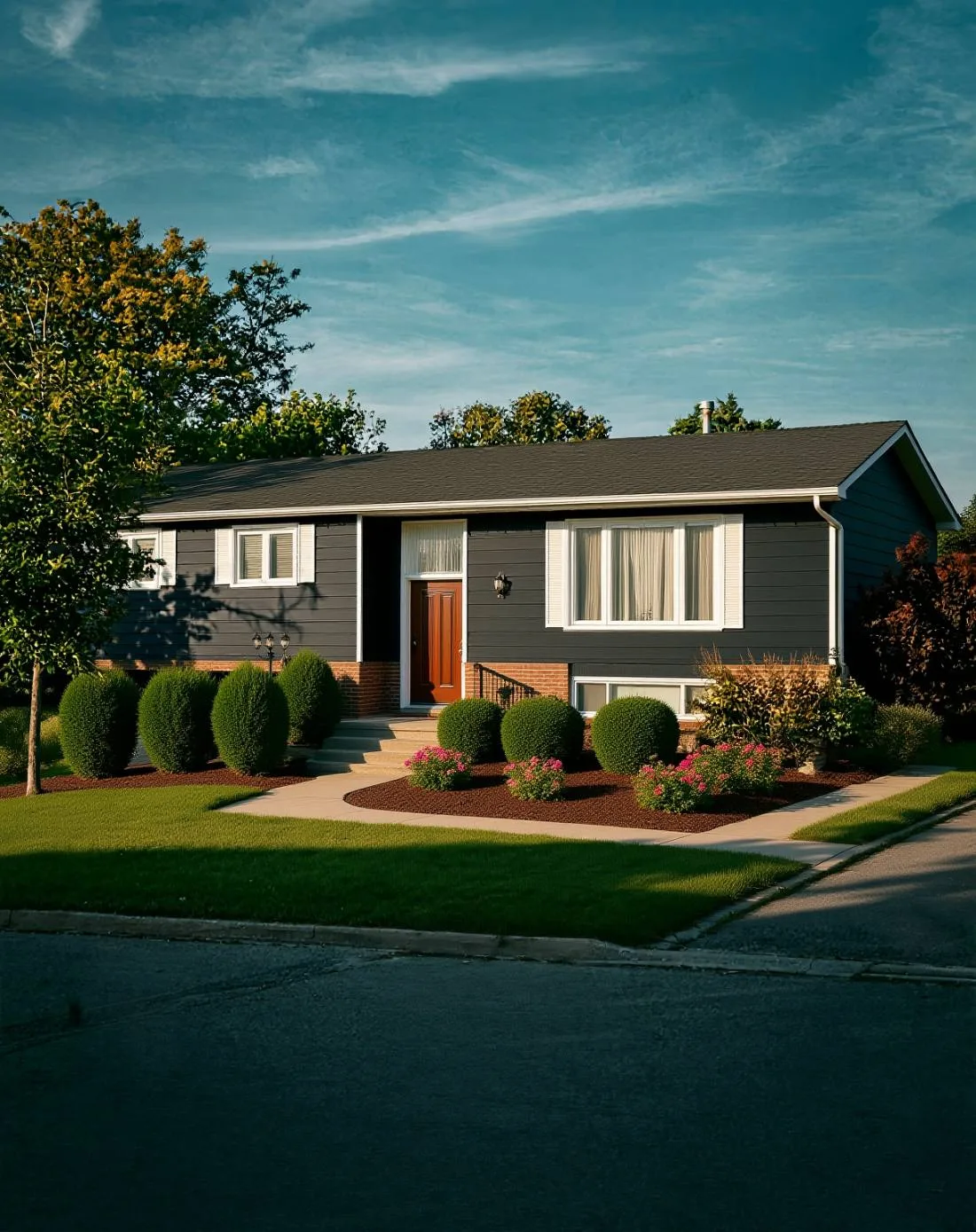
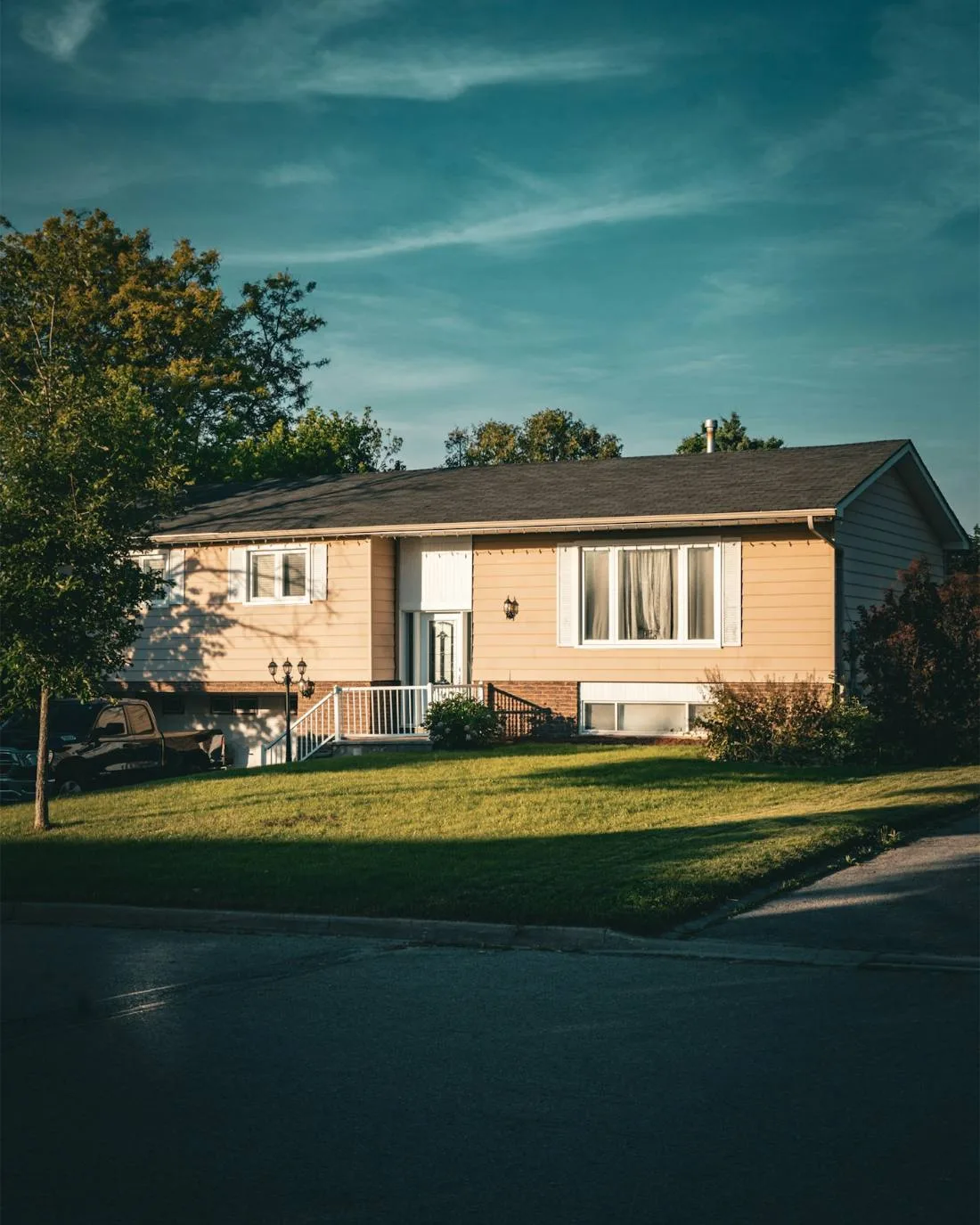
The fastest way to find out is to upload a photo of your own house to an AI exterior visualizer such as Preview My Home. It detects the siding, trim, front door, shutters, roof and garage door in your photo, lets you pick a real paint swatch or material for each, and renders the change onto the actual house while the sky, landscaping and neighbors stay exactly as photographed. It takes about a minute and the first render is free with no account.
Why generic “house color visualizers” disappoint
Most paint-brand tools make you pick a stock house that vaguely resembles yours, then color that. It never answers the real question, because your roof, brick, stone, trim and landscaping are what make a color work or fail. Rendering onto a photo of your own house keeps all of those fixed, so what you see is what a driver-by would see.
What you can change on an exterior
- Siding and stucco color — any of 15,000+ swatches from 8 paint brands, applied by exact hex value, or a material swap like board-and-batten or lap siding.
- Trim, fascia and window frames — usually the second decision that makes or breaks the scheme.
- Front door, shutters and garage door — accent colors and wood tones.
- Roof — shingle color changes (charcoal, weathered wood, slate) to check against a new siding color.
- Landscaping — fresh beds, mulch and plantings to see the whole curb-appeal picture.
Tips for a good exterior photo
Shoot from the street, straight on, in daylight without harsh shadows across the facade. Get the whole house in frame including a bit of yard and sky. Avoid heavy tree cover blocking the walls — the AI can only recolor what it can see. A phone camera is fine.
For sellers and agents
An exterior render is a quick way to show a buyer what a dated facade could become, or to test whether a repaint before listing is worth the money. Renders are AI-generated previews and should be labeled as such in any listing.
Frequently asked questions
More answers